
Adding your Orbit Transcript to your LinkedIn profile is a great way to showcase to future employers your experience level. Use the step-by-step guide below to add your Orbit Transcript to your profile on LinkedIn:
1. First, you need to login to LinkedIn and be on your LinkedIn profile page.
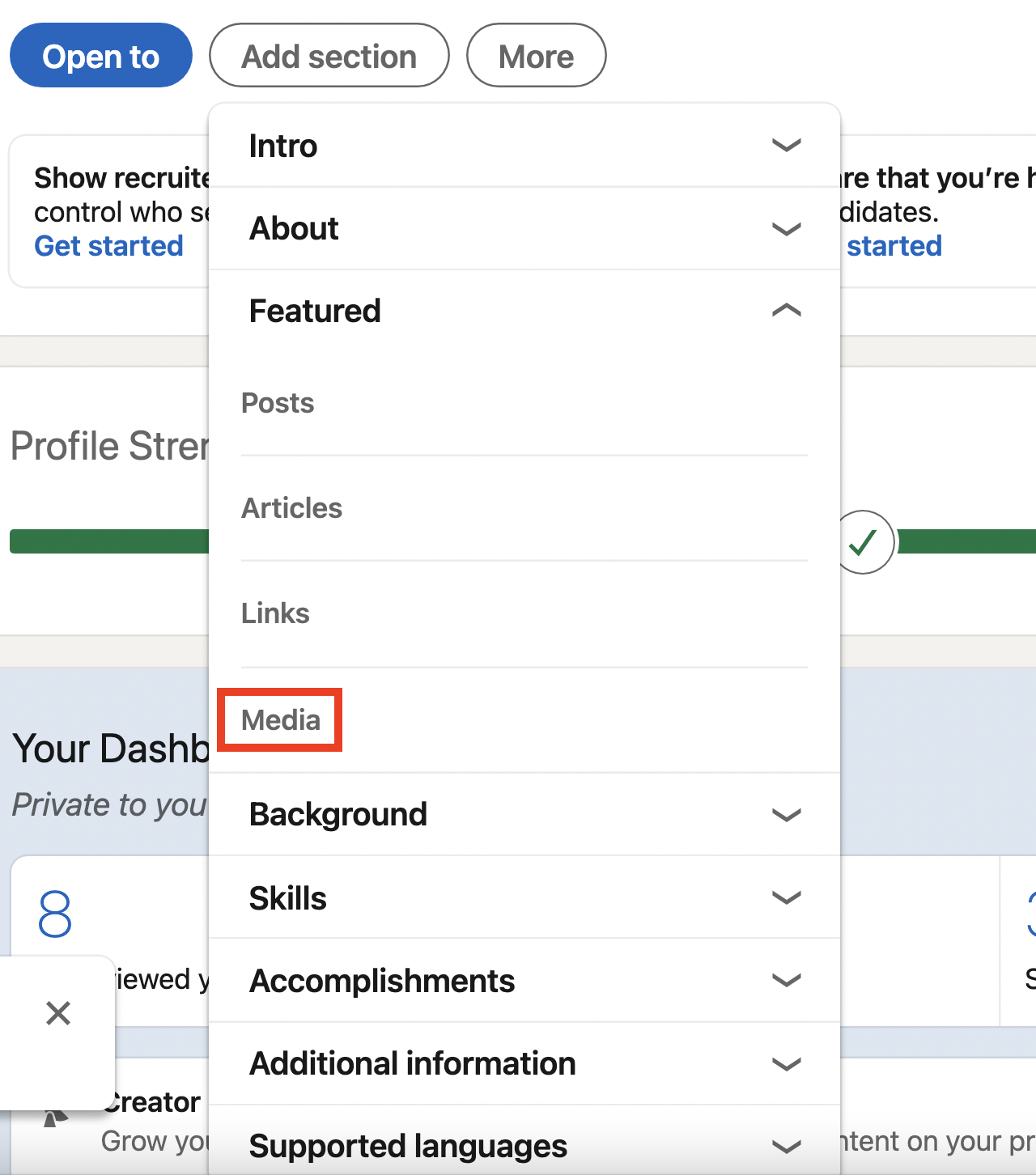
2. Click on the "Add section" button

3. Select "Media" from the drop down menu under "Featured"
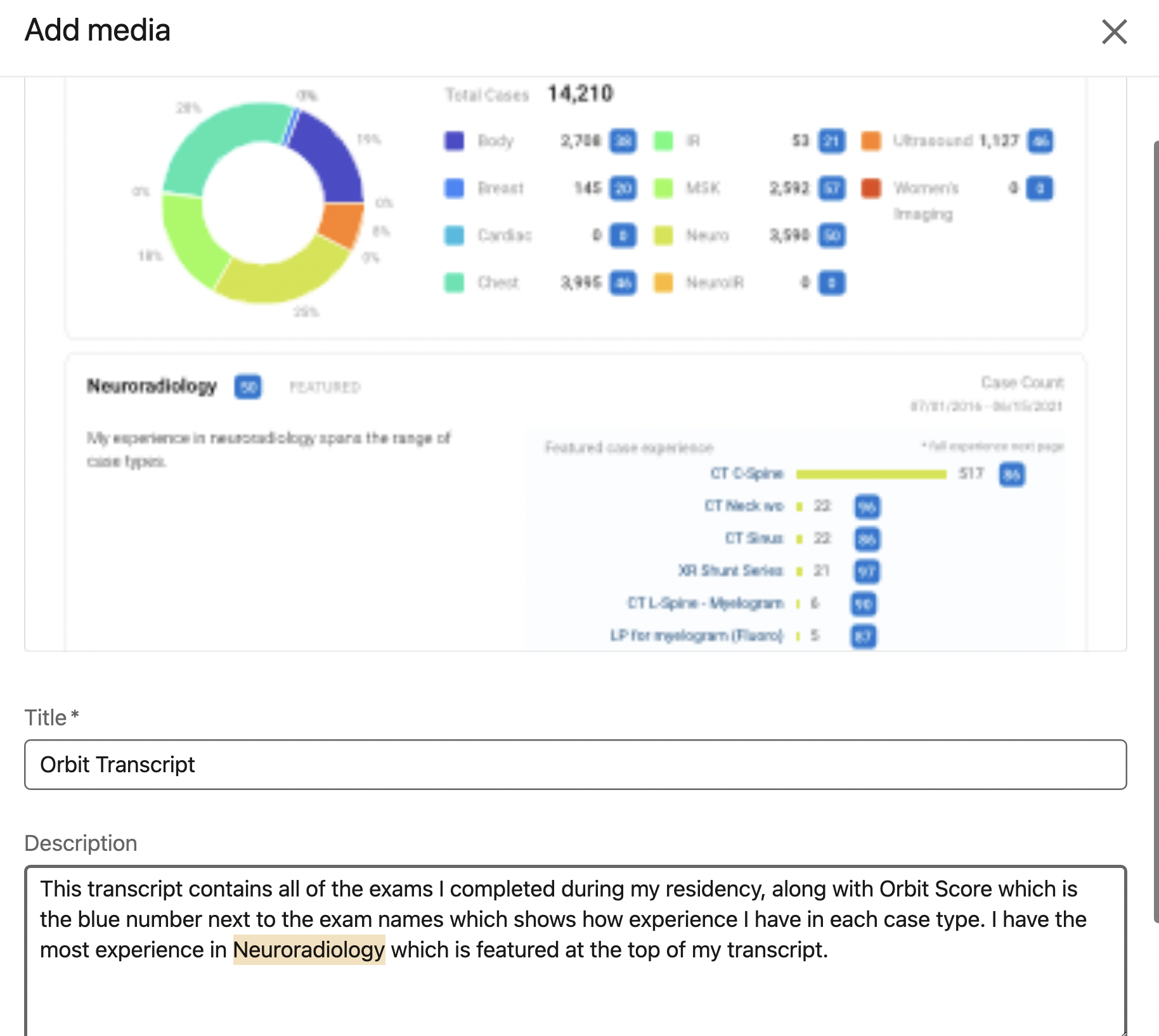
4. Upload your Orbit Transcript PDF and give it a title and a description
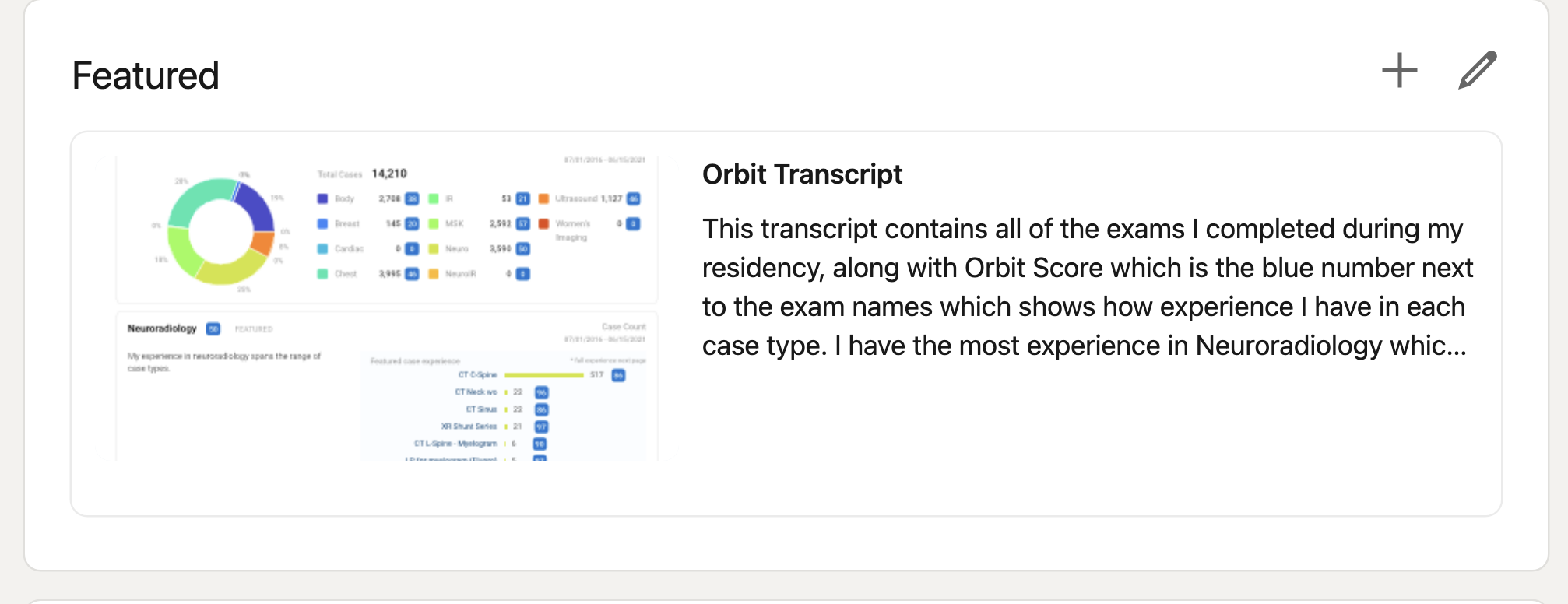
5. After you hit save your transcript should show in a section of your profile called "Featured" showing its title and description with the ability for people visiting your profile to open this file.
Comments
0 comments
Please sign in to leave a comment.