
Click the Cases tab to access your activity feed. This view celebrates your latest achievements and progress on your current and most recent shifts.
ACGME Activity
Aggregate case counts on the current shift for ACGME-defined goals are designated by a red "A".

If you complete a study that counts for ACGME goals, you'll see it populate on your activity feed towards the ACGME goal, as well as under the more specific Orbit case type if available. In the above example, the MR Adb (alone) w+w/o also contribute to the MRI Body (ACGME-DR) designation.
Orbit Case Type Activity
Because the ACGME only designates ~10 broad buckets of cases, tracking ACGME case types alone is not sufficient for you to understand your progress in radiology training. Orbit tracks 300+ specific case types to provide you ultra resolution on the various case types you're learning to interpret. Orbit Case types appear in the activity feed as specific protocol names without the red "A" logo.

The "2x" next to the case listing in this activity feed indicates 2 cases were completed related to this Orbit Case type on the current shift.
Achievements
Orbit automatically computes two types of achievements based on your case data.
Milestones - when you pass a certain number of a particular case type, your activity feed will celebrate this milestone.
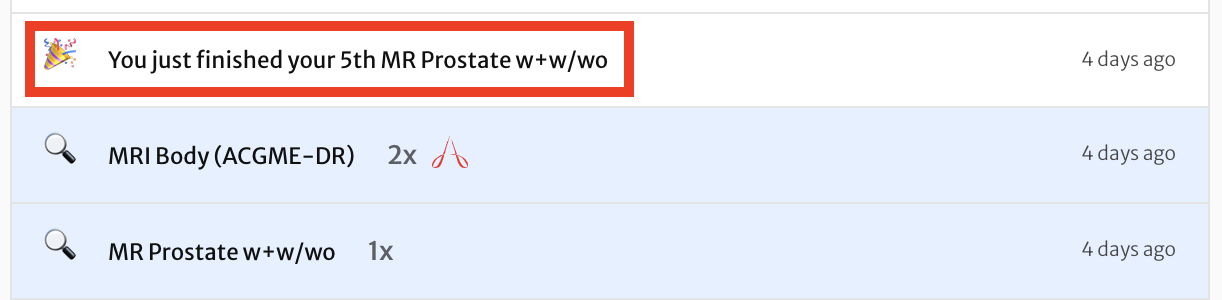
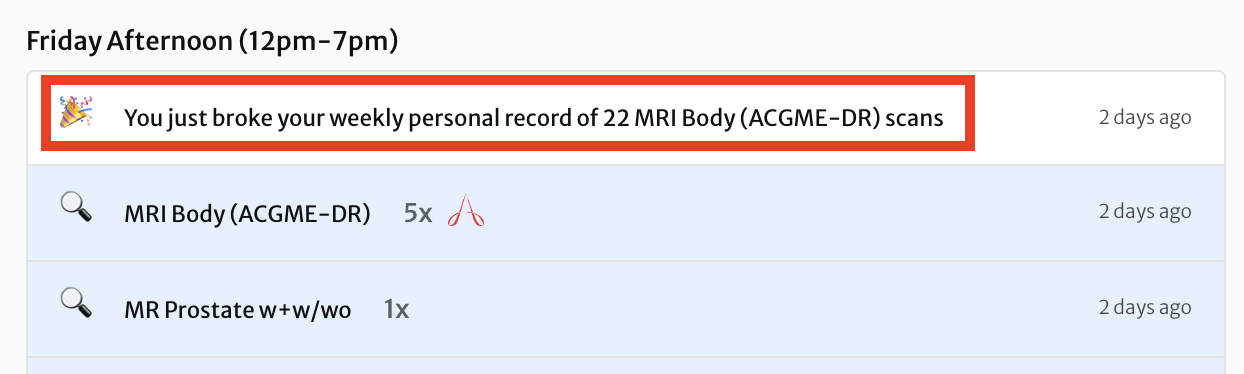
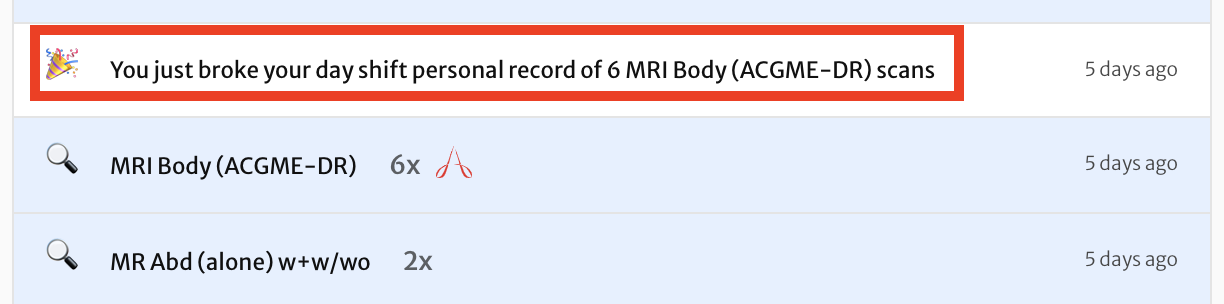
Personal records - when you break a personal record for volume on shift, your activity feed will celebrate this achievement. Personal records are tracked separately for day shift (7am-7pm), night shift (7pm-7am), weekly, and monthly.
Here's an example of a weekly personal record.
Here's an example of a day shift personal record.
Comments
0 comments
Article is closed for comments.